_1751731246795-BygAaJJK.png)
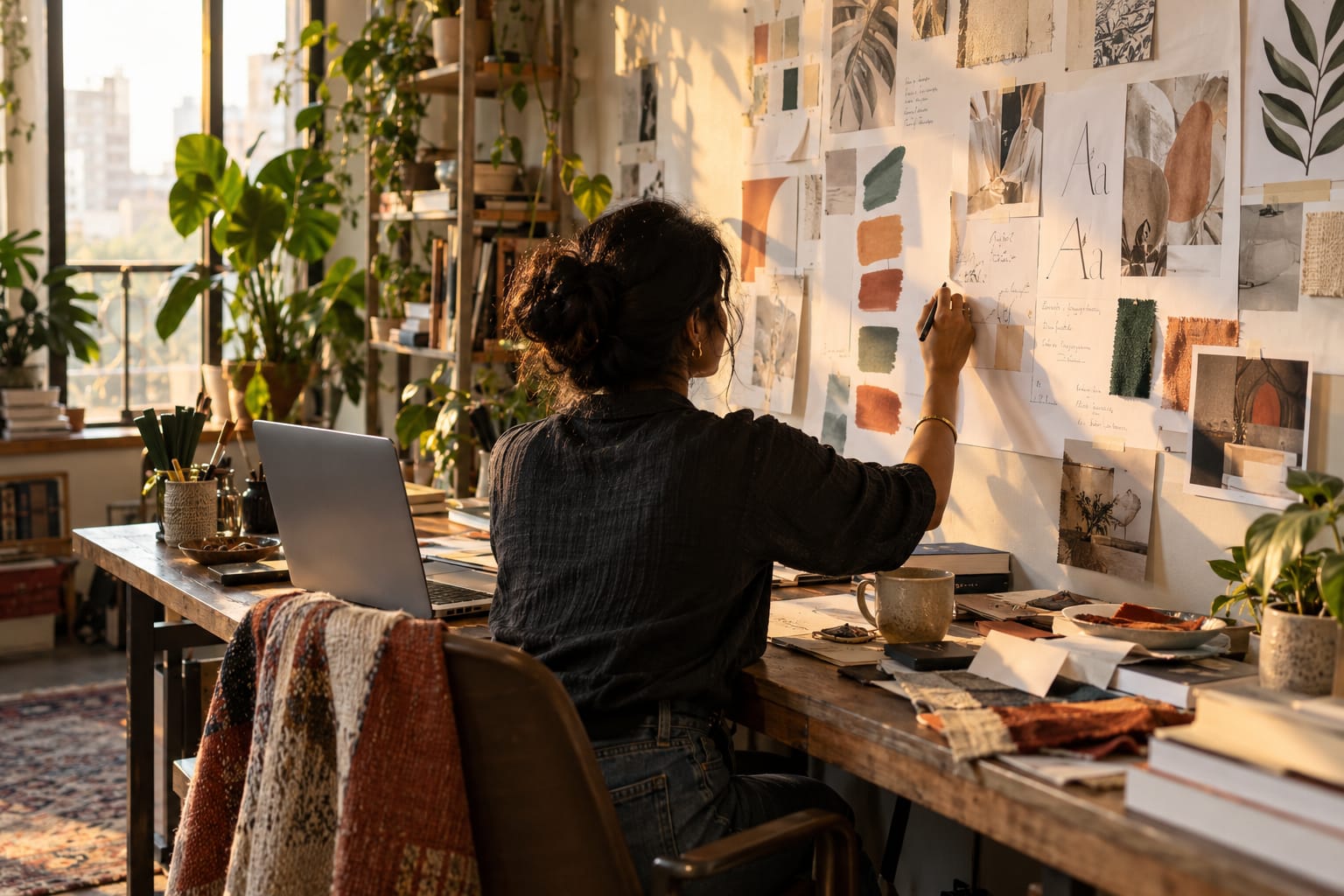
Design a Client Mood Board in Minutes with ChatGPT and Canva

 Published by CodeNicely, the product studio founded by Meghal Agrawal and Ujjwal Agrawal in 2017
For: A freelance brand designer or in-house creative at a 10-person marketing agency who juggles multiple client projects and spends too long staring at a blank canvas before every kickoff
In this guide
By the end of this tutorial you'll have a client-ready mood board in Canva — curated palette, font pairing, layout, and reference imagery — built from a short brief you typed into ChatGPT. Budget about 20–30 minutes the first time, and closer to 10 once you've run the workflow twice.
Last verified: October 2026, against the tools' own documentation. AI tools change often — if a step no longer matches, check the sources at the end.
Who this is for, and what you'll get
This is for freelance brand designers and in-house creatives at small agencies who kick off a lot of projects and lose hours hunting for references before the first client call. If you've ever opened a blank Canva doc, typed "mood board," and then disappeared into Pinterest for two hours, this one's for you.
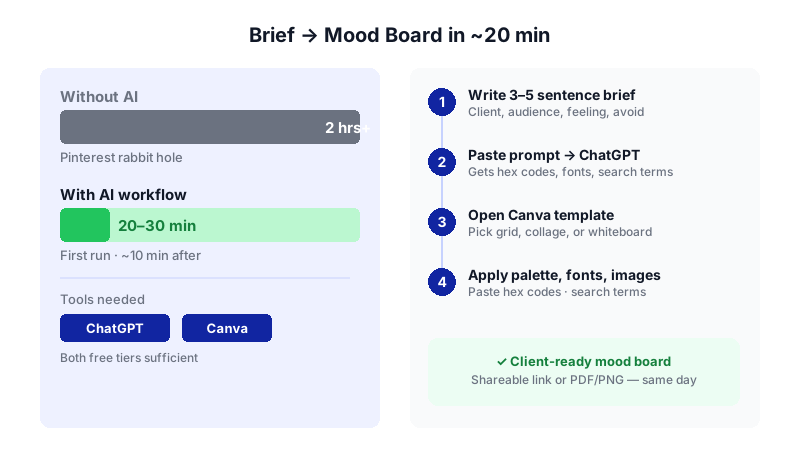
What you'll walk away with:
- A reusable ChatGPT prompt that turns a 3-sentence client brief into a structured creative direction with named hex codes, font pairings, and image search terms.
- A finished mood board in Canva using a template, your generated palette, suggested type, and sourced imagery.
- A shareable link or PDF/PNG export you can send to the client the same day.
One thing to set expectations on up front: ChatGPT and Canva are not connected. There's no plugin that pushes content from ChatGPT into a Canva design. You'll generate the direction in ChatGPT, then paste and search inside Canva. That's the whole workflow, and it's faster than it sounds.
What you need
| Tool | Plan needed | Cost | Why |
|---|---|---|---|
| ChatGPT | Free is enough; Plus if you run many briefs a day | Free, or $20/month for Plus (ChatGPT Go is $8/month but includes ads) | Generates the structured brief, hex codes, font names, and image search terms |
| Canva | Free is enough for most mood boards; Pro if you want premium templates, transparent PNGs, or the AI palette extractor | Free, or $18/month ($144/year) for Pro | Hosts the mood board template, assembles the visuals, exports and shares |
The Free tier of ChatGPT caps you at roughly 10 messages per 5-hour window on the flagship model before dropping to a smaller one — fine for one or two briefs a day. Canva Free gives you 1.6M+ templates, 4.7M+ free stock items, 5 GB storage, and PNG/JPG/PDF export with no Canva watermark as long as you stick to free assets.
Step-by-step
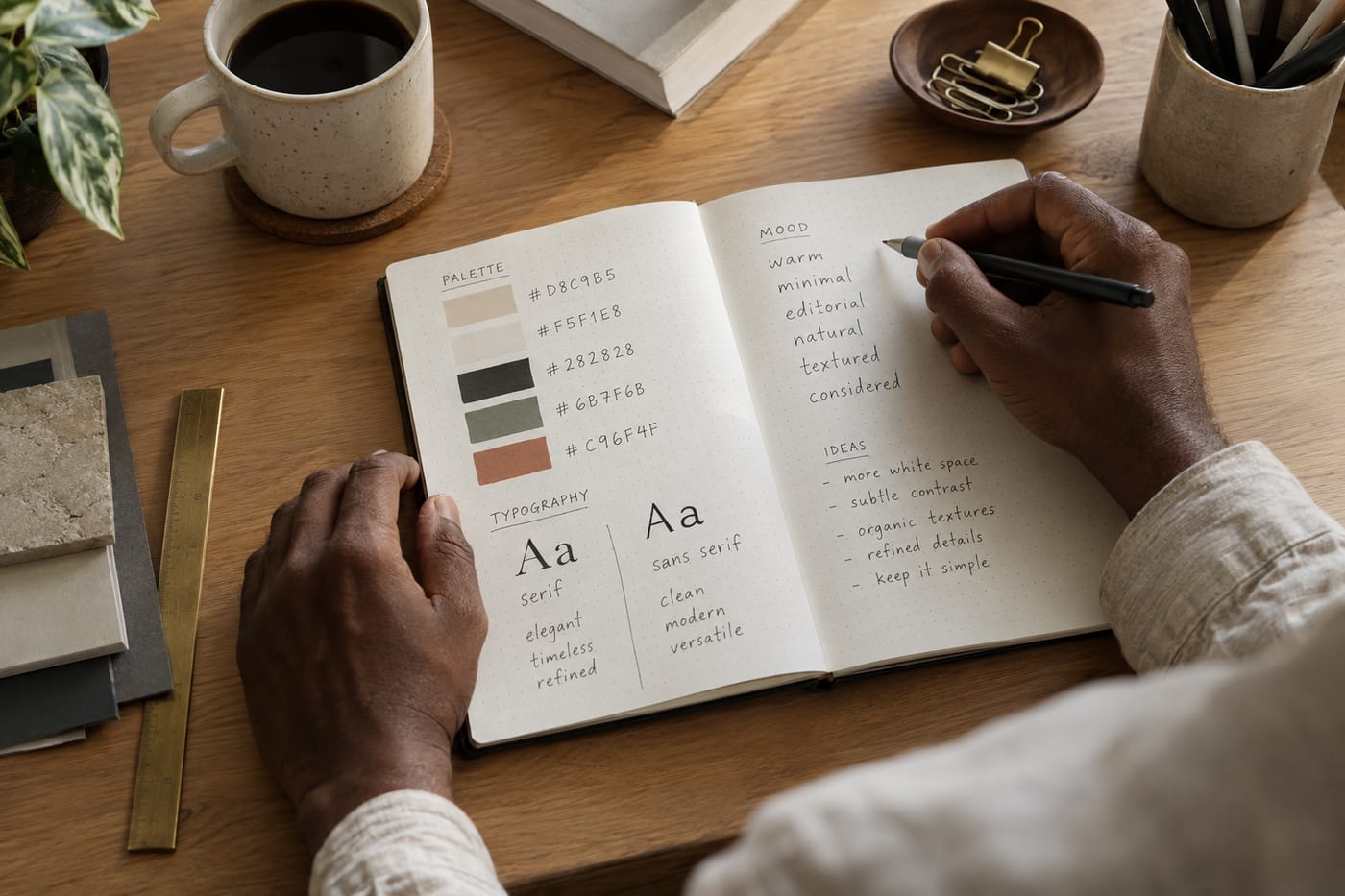
- Write down the client brief in 3–5 sentences. Before you open ChatGPT, type the raw brief into a notes app: client name, industry, audience, the feeling they're after, any brand words they've used, and anything they've said they do NOT want. The quality of the mood board rises and falls with how specific this input is.
- Open ChatGPT and paste this prompt. This is the unlock most tutorials miss. Don't ask for "design ideas" — ask for a structured brief with named outputs you can act on. Use this prompt (edit the brief in square brackets):
You are a senior brand designer helping me prep a mood board for a client kickoff. Here is the brief:
[Paste your 3–5 sentence brief here.]
Give me a structured creative direction in exactly this format:
1. OVERALL DIRECTION: 2 sentences describing the visual mood.
2. COLOR PALETTE: 5 colors with names and HEX codes, in the format "Name — #RRGGBB — one-line role (e.g., primary, accent, neutral)."
3. TYPOGRAPHY: one display/heading font and one body font, both free on Google Fonts, with a one-line reason for each pairing.
4. IMAGERY DIRECTION: 2 sentences on photographic style, lighting, and subject matter.
5. CANVA SEARCH TERMS: 8 specific search phrases I can paste into Canva's stock image search to find on-brief reference images. Make them concrete (e.g., "warm morning sunlight on linen") not abstract ("happiness").
6. LAYOUT NOTE: 1 sentence on whether a grid, collage, or whiteboard mood board layout would suit this best. - Sanity-check the output. Read the five colors as a set — do they live together, or did ChatGPT give you three oranges and two beiges? If something's off, reply with: "Swap color 3 for a cooler accent that still fits the mood, and give me 2 alternative display font options." You can iterate as many times as the message cap allows.
- Open Canva and start a mood board. From the Canva home screen, either type "mood board" into the template search bar, or go to Create a design → Mood Board. You'll see hundreds of pre-built templates in grid, collage, and whiteboard layouts. Pick one that matches the layout note ChatGPT gave you.
- Apply the palette. Click any colored shape or background in the template. In the color picker, paste the first hex code from ChatGPT's output. Repeat for the other elements. If you're on Canva Pro, you can save the five hexes into a Brand Kit so you don't have to re-paste next time. On Free, you still get one Brand Kit limited to 3 colors — use it for the three most important ones.
- Apply the typography. Click any text element, open the font picker, and search for the display font ChatGPT suggested. Do the same for body text. If a font ChatGPT named isn't in Canva's library, pick the closest match — Canva's search is forgiving, and the names ChatGPT returns for Google Fonts are usually available.
- Fill the image wells using ChatGPT's search terms. This is where the structured prompt pays off. In Canva's left sidebar, click Elements → Photos (or just use the main search bar) and paste one of the 8 search phrases ChatGPT gave you. Drag a photo into one of the template's image frames. Repeat for 6–10 frames total. Stay on free assets (no crown icon) if you're on the Free plan — premium assets will watermark your export.
- Optional: try Magic Design for layout alternatives. If the template you picked doesn't feel right, go to Canva's home page, open Magic Design, and paste a short version of ChatGPT's "OVERALL DIRECTION" as the prompt. Magic Design will generate 4–10 full layout options you can start from. Note: Magic Design counts against your monthly AI allowance (up to 200 Standard or 20 Premium uses per month on Free; around 2,000 Standard / 200 Premium on Pro).
- Add a title block and client name. Most templates have a header text area. Put the client name, project name, date, and your name/agency. This takes 60 seconds and makes the file look considered when the client opens it.
- Share or export. For a live link, use Canva's share options at the top right and send a view-only link. For a file, export as PDF Standard (best for most client email), PNG (good for Slack/Notion), or JPG. Canva Free exports at 96 DPI, which is fine for screens; for professional print, use PDF Print. Transparent PNG export requires Pro.
A worked example
Let's run the whole thing for a made-up client so you can see the shape of a good output.
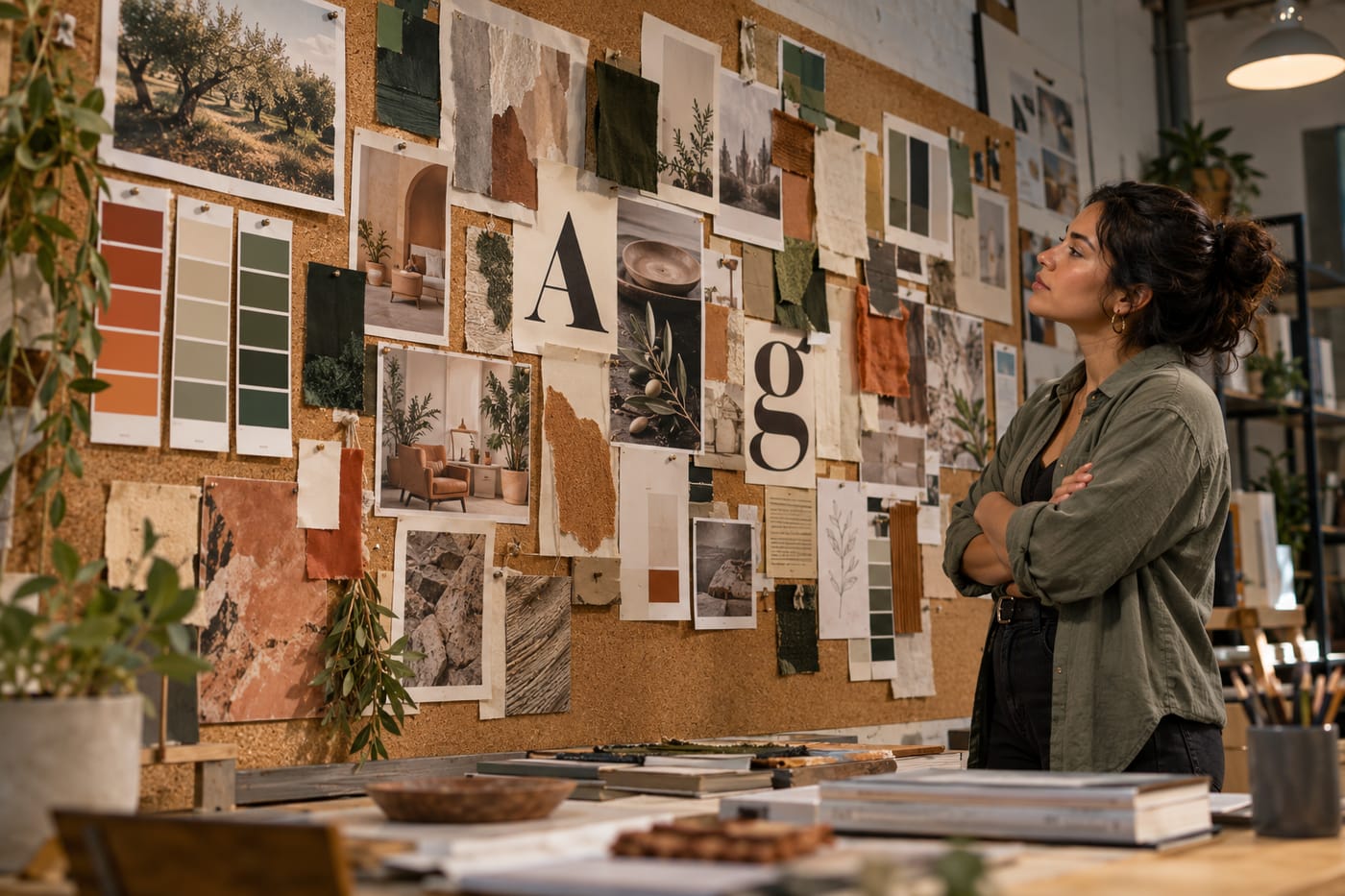
The brief (what you'd type into ChatGPT):
Client is "Fernway," a new direct-to-consumer brand selling houseplants and ceramic planters to urban renters aged 25–35. They want to feel calm, grown-up, and slightly editorial — like a Kinfolk magazine spread, not a kids' nursery. They've said they don't want anything "too earthy, hippie, or kitschy." Launching spring.
What good output from ChatGPT looks like:
- Overall direction: Quiet, sunlit, and composed. Think morning light in a minimalist apartment, with greenery as sculpture rather than décor.
- Palette: Bone — #EFE9DE — background neutral; Fern — #4A5D43 — primary; Terracotta Mist — #C98B6B — warm accent; Ink — #2B2A28 — type; Chalk — #F7F5F0 — soft contrast.
- Typography: Display — Fraunces (serif with editorial character); Body — Inter (clean, modern, highly legible).
- Imagery: Natural morning light, shallow depth of field, muted matte tones. Subjects: single plants on windowsills, hands potting, close-ups of leaves, uncluttered living spaces.
- Canva search terms: "monstera leaf morning light," "terracotta pot on linen," "minimalist apartment plant shelf," "hands repotting houseplant," "sunlit windowsill greenery," "ceramic planter close up," "editorial still life plant," "neutral living room with plants."
- Layout: A loose asymmetric grid — reads editorial without feeling corporate.
Drop those into a Canva mood board template, swap colors on the shapes, update the two fonts, paste the 8 search terms one by one and drag in photos. You'll finish in about 15–20 minutes.
Limits and gotchas
- No direct integration. As of October 2026, there is no official ChatGPT–Canva connection. Anyone claiming a "one-click" workflow is wrong — the two tools are used sequentially.
- ChatGPT doesn't see images. It won't look at the client's current website or past work unless you describe them in words. If their existing brand matters, write a sentence about it in your brief.
- Font names drift. ChatGPT occasionally suggests fonts that aren't on Canva. If a font is missing, pick the nearest match in the same category (serif, sans, display) — don't lose time hunting.
- Premium assets watermark your export. Anything with a crown icon will show a watermark on Free unless you buy the element or upgrade to Pro. Filter to free assets if you're staying on Free.
- Palette extraction from a logo requires Pro. Canva's Brand Hub color-palette AI generator — which pulls a palette from an uploaded logo — is gated behind Canva Pro.
- Export resolution is fixed. PNG/JPG export is 96 DPI on all plans with no slider. For print work, use PDF Print.
- Always human-check the direction. ChatGPT will cheerfully generate a palette that technically fits the brief but has been used by three other brands in the client's category. Spend 2 minutes checking competitors before you present.
- Privacy. Don't paste anything confidential (NDAs, unreleased product names, revenue figures) into ChatGPT Free — your inputs may be used for training unless you've opted out in settings.
When not to use AI for this, and honest alternatives
Skip this workflow when the client has a strong existing visual world (an established brand you're extending, not creating). In that case, start inside their brand — upload their logo, pull their site screenshots into a Canva whiteboard, and build the mood board from the real material. ChatGPT guessing a palette will only muddy the water.
Skip it also when the project is high-stakes and the client expects to see your taste, not a composite. For a flagship rebrand or an award-chase pitch, hunt your references by hand — Are.na, Cosmos, Pinterest, and a stack of books will beat any prompt.
Honest alternatives: Milanote is purpose-built for mood boards and reference collecting if Canva feels too presentation-y. Figma + FigJam suits teams already living in Figma. And a plain Google Slides deck with 12 images, your palette as swatches, and two font samples still works perfectly well for a kickoff.
Frequently Asked Questions
Can I do this entirely on the free plans?
Yes. ChatGPT Free handles the brief generation easily within its message cap, and Canva Free gives you access to mood board templates, free stock, and PNG/JPG/PDF export with no Canva watermark — as long as you avoid premium (crown-icon) assets. You only need to pay if you want the AI palette extractor, premium templates, transparent PNGs, or more Magic Studio uses.
How is this different from just asking ChatGPT for "design ideas"?
Asking for "design ideas" gets you vague adjectives you can't act on. The prompt in this tutorial forces ChatGPT to output named hex codes, specific Google Fonts, and concrete Canva search phrases — things you can paste directly into Canva's color picker, font menu, and search bar. That's what cuts assembly from hours to minutes.
Will Canva's Magic Design do this whole thing for me?
Magic Design can generate 4–10 layout options from a text prompt, which is useful if you don't like the templates you're seeing. But it won't give you a considered palette, a reasoned font pairing, or targeted image search terms the way the ChatGPT prompt does. The two together are stronger than either alone.
What if the client hates the mood board?
That's the point of a mood board — to find out cheaply. Because you've invested 20 minutes instead of 3 hours, you can regenerate with ChatGPT in two directions (e.g., "warmer and more editorial" vs. "cooler and more minimalist") and show the client two options at the next meeting. Fast iteration is the real win.
Can my team collaborate on the same Canva mood board?
Canva Free supports collaboration with up to 10 team members on a design, which covers most agencies this size. If you need real-time approval workflows and admin controls, that's Canva Business at $25/user/month or $250/user/year.
When a workflow like this starts getting repeated across dozens of clients a month, it's often worth building a small custom tool that wraps the prompt and the export — the kind of thing CodeNicely builds — rather than doing it by hand every time.
Sources & further reading
- ChatGPT Pricing 2026: every plan, what it costs (CloudZero)
- ChatGPT Free vs Paid (2026): Which Should You Choose? (Nexos AI)
- ChatGPT Pricing 2026: Free vs Go vs Plus vs Pro (CometAPI)
- Free Mood Board Creator – Make Mood Boards Online (Canva official)
- Free printable and customizable mood board templates (Canva official)
- How to make a mood board (Canva official)
- Canva Pricing 2026: Full Breakdown of Plans, Limits & Hidden Costs (Presentations.ai)
- Is Canva Free? What the Free Plan and Canva AI Include in 2026 (Krea)
- Canva Pro vs Free (2026) — Should You Upgrade? (Style Factory Productions)
- Canva Free Plan Limits: What You Get vs Pro (2026) (UseCarly)
Get one practical guide a week
Costs, AI tools, partner selection — written for people who make the decision. No spam, unsubscribe anytime.
Thanks — you're on the list. One practical guide a week, nothing else.
That didn't work — please check the email address and try again.
Building something in Design?
CodeNicely partners with founders and tech teams to ship AI-native products that move metrics. Tell us about the problem you're solving.
Talk to our team Book a 30-min call